by Rony | May 11, 2022 | Cloud Hosting, Laravel, Virtualization, VPS Servers, Web Hosting, WordPress
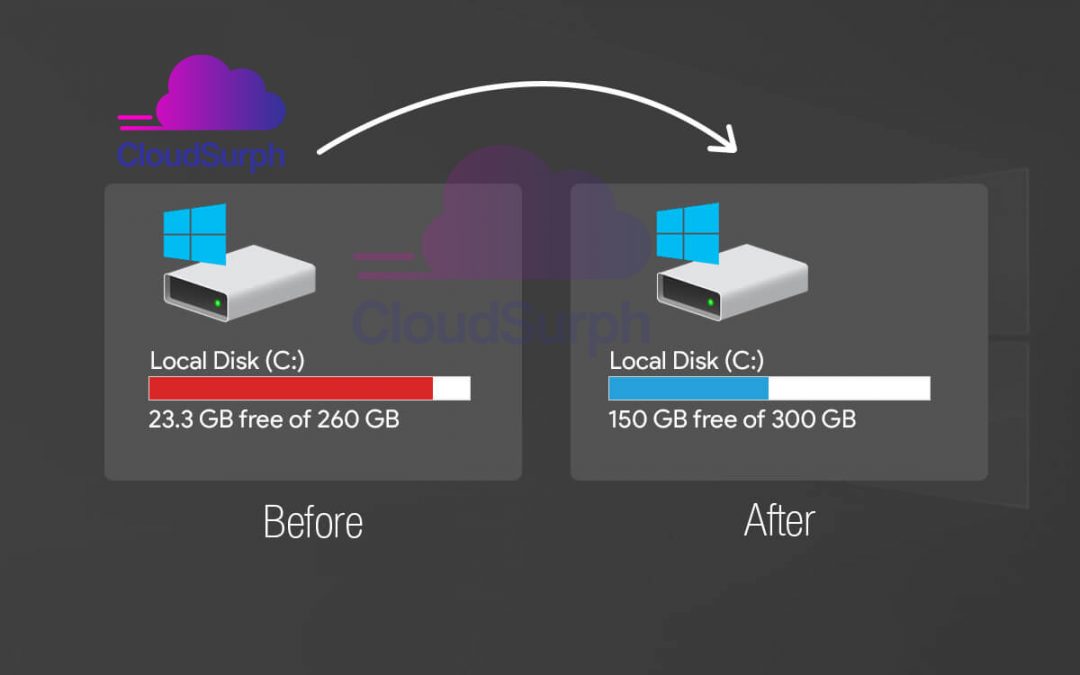
How to extend your C drive? Today we discuss how to extend your c drive. When your PC’s C drive is almost full and the computer runs slower, then you need to extend the C drive in Windows 10 or 11 through Disk Management software. There is many software Pro and Free...
by Rony | Apr 21, 2022 | Cloud Hosting, Virtualization, VPS Servers, Web Hosting, WordPress
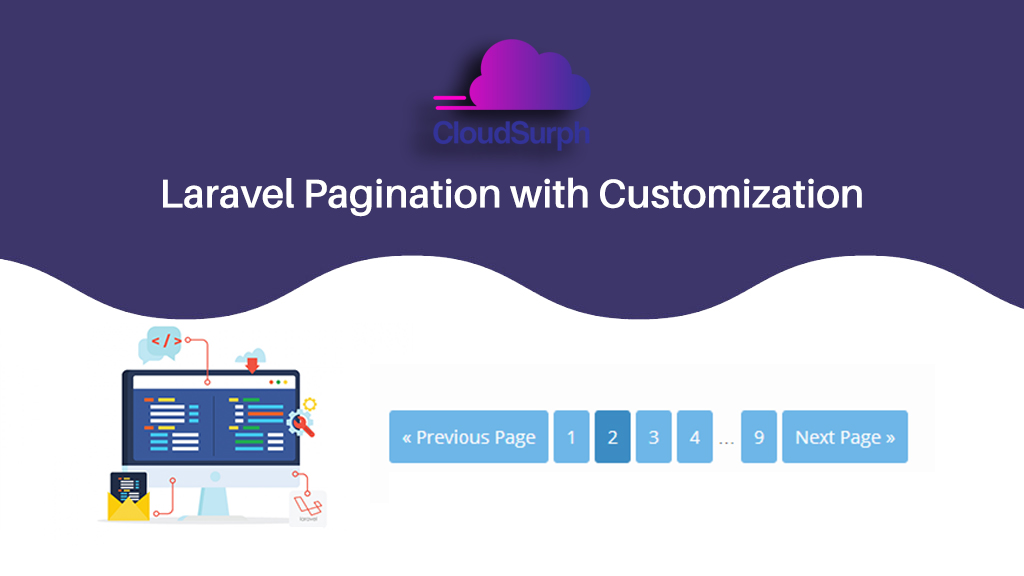
Laravel Pagination with Customization How to create Laravel Pagination with customization? How to customize Laravel pagination, if you want or need to customize your Laravel pagination view. In addition for developing Pagination in Laravel, you have to need to know...
by Rony | Apr 18, 2022 | Cloud Hosting, Virtualization, VPS Servers, Web Hosting, WordPress
Remote desktop connection: how to access a remote windows machine by RDP How to use Remote Desktop Protocol Remote Desktop Protocol(RDP) is a proprietary protocol developed by Microsoft. And it provides a user with a graphical interface to connect to another computer...

by Rony | Mar 30, 2022 | Cloud Hosting, Virtualization, VPS Servers, Web Hosting, WordPress
Now a days, Linux is used widely in laptops, tablets, smartphones, desktops, and even home appliances. We will check out 20 beginner Linux commands and you should try to learn them. 20 beginner Linux commands you should learn Perception “distributions” in...
by Rony | Mar 22, 2022 | Cloud Hosting, Virtualization, VPS Servers, Web Hosting, WordPress
If you are suspicious of a hacking activity on your WordPress website, it can be nerve-damaging knowledge. Till you know for sure, you cannot condition the cause, or the solution and we learn How to remove malware from a WordPress website. You try WordPress web...

by Rony | Mar 15, 2022 | Cloud Hosting, Virtualization, VPS Servers, Web Hosting, WordPress
What is WordPress Database? How to export and import a WordPress database. When you create a website by WordPress into a local server or hosting server, WordPress will make itself a new database by default for each of your websites. All of your site’s information is...